Moait
홈인기 피드모든 블로그모든 태그
홈인기 피드모든 블로그모든 태그
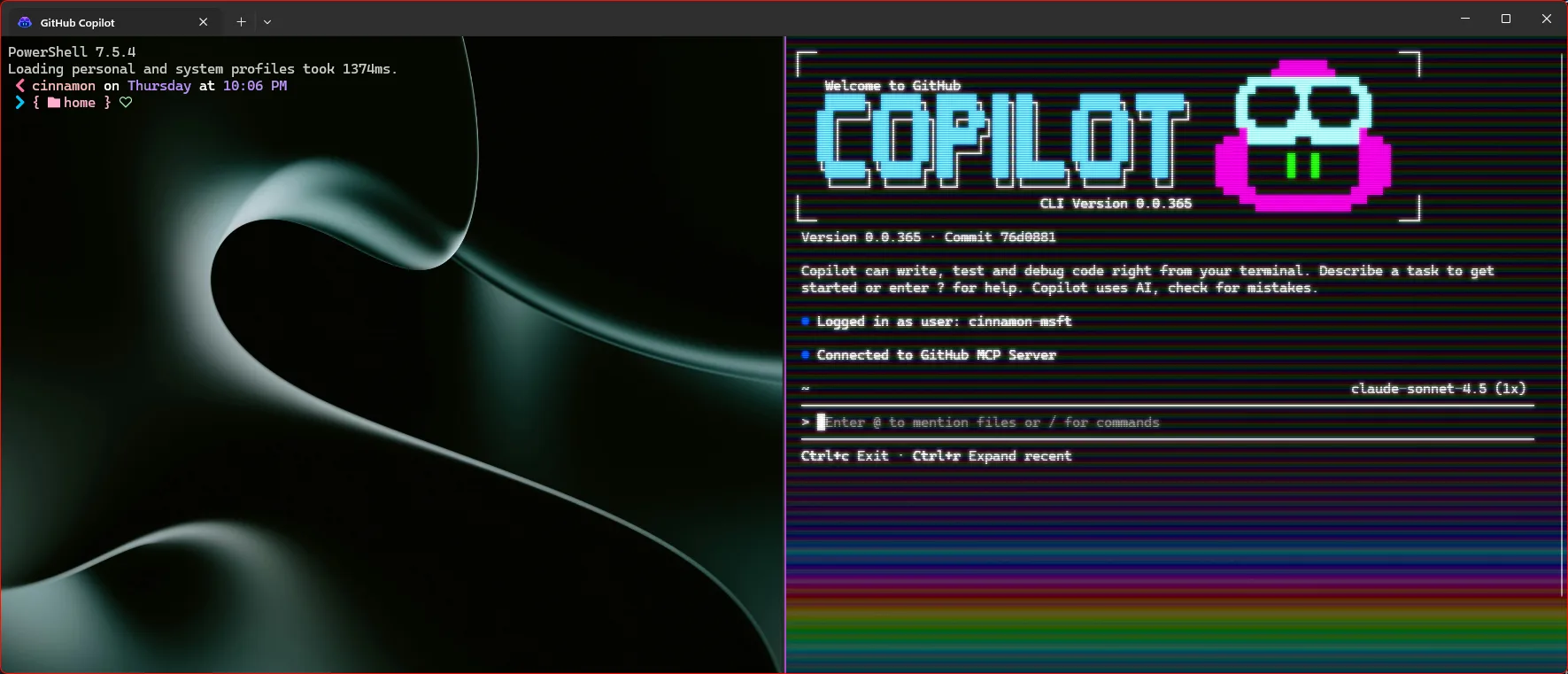
Making Windows Terminal awesome with GitHub Copilot CLI 섬네일

Making Windows Terminal awesome with GitHub Copilot CLI

Microsoft Developer faviconMicrosoft Developer·DevOps·
GitHub Copilot CLIPowerShellWSLWindows TerminalOh My Posh
2025년 12월 11일0

AI 요약

이 글은 AI가 요약했어요. 정확한 내용은 꼭 원문을 확인해 주세요!

핵심 요약

Microsoft Developer의 기술 블로그는 Windows Terminal의 강력한 커스터마이징과 GitHub Copilot CLI를 통합해 터미널 기반 개발 워크플로를 향상시키는 방법을 소개합니다.

주요 특징

  • Windows Terminal의 다양한 프로필과 설정으로 개인화된 개발 환경 구성
  • npm으로 GitHub Copilot CLI 설치 및 터미널에서 직접 사용
  • 셸 명령어를 Copilot CLI 컨텍스트에서 입력하기 위해 앞에 ! 사용
  • 프롬프트 개편을 위한 Oh My Posh 및 Copilot 세그먼트 활용
  • Nerd Font 설치 및 프롬프트 아이콘 활용

적용 고려사항

  • Windows vs WSL 경로 차이(C:\Users\USERNAME.copilot\config.json, ~.copilot\config.json) 확인
  • Copilot CLI와 Oh My Posh 버전 호환성 점검
  • 시작 시 배너 표시, 시작 폴더, 프로필 설정 등 환경에 맞게 구성
연관 피드

%가 높을수록 이 글과 비슷할 가능성이 높아요!
Introducing the azd extension to configure GitHub Copilot coding agent integration with Azure 섬네일
75%

Introducing the azd extension to configure GitHub Copilot coding agent integration with Azure

Microsoft Developer faviconMicrosoft Developer·2025년 10월 30일
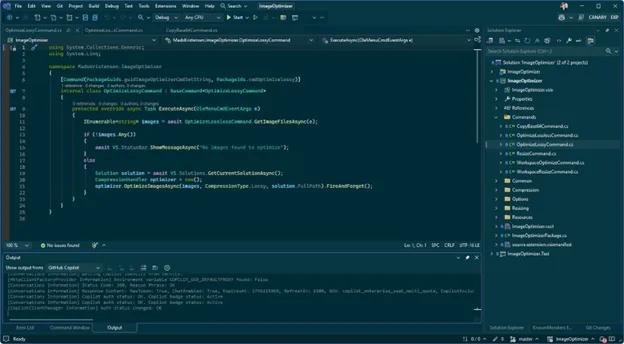
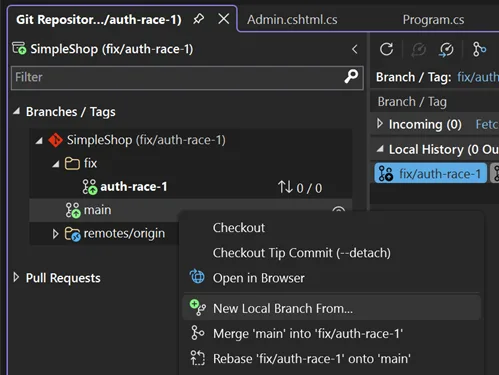
Streamlining your Git workflow with Visual Studio 2026 섬네일
74%

Streamlining your Git workflow with Visual Studio 2026

Microsoft Developer faviconMicrosoft Developer·2025년 12월 10일
Behind the Universe demo: From prompt to production with VS Code, GitHub Copilot and the Microsoft Agent Framework 섬네일
74%

Behind the Universe demo: From prompt to production with VS Code, GitHub Copilot and the Microsoft Agent Framework

Microsoft Developer faviconMicrosoft Developer·2025년 10월 31일